
Welcome to the Tapify Family 🎉
Thank you for choosing Tapify. Select your product type below and get your product activated in minutes.
Choose Your Product Type
This will help us show you the correct activation process.

Business Card / All-in-One Standee
Create your own Tapify profile and manage your links anytime.
- ✅ Create profile yourself
- ✅ Add links, photos, videos
- ✅ Update anytime

Mini / Review / Social QR Standee
No profile creation required. Tapify team will activate it for you.
- ✅ Send order number
- ✅ Send product UID photo
- ✅ Send required link/number
Create Your Smart Profile
Follow these simple steps to create your Tapify profile.
Sign Up
Create your account on Tapify portal.
Create Profile
Add name, business details, logo, and cover image.
Add Links
Add Instagram, WhatsApp, Google Review, website, and more.
Activate
Connect your profile with your Tapify QR/NFC product.
Watch Setup Guide
Watch this short video to understand how to create your profile and activate your Tapify product.
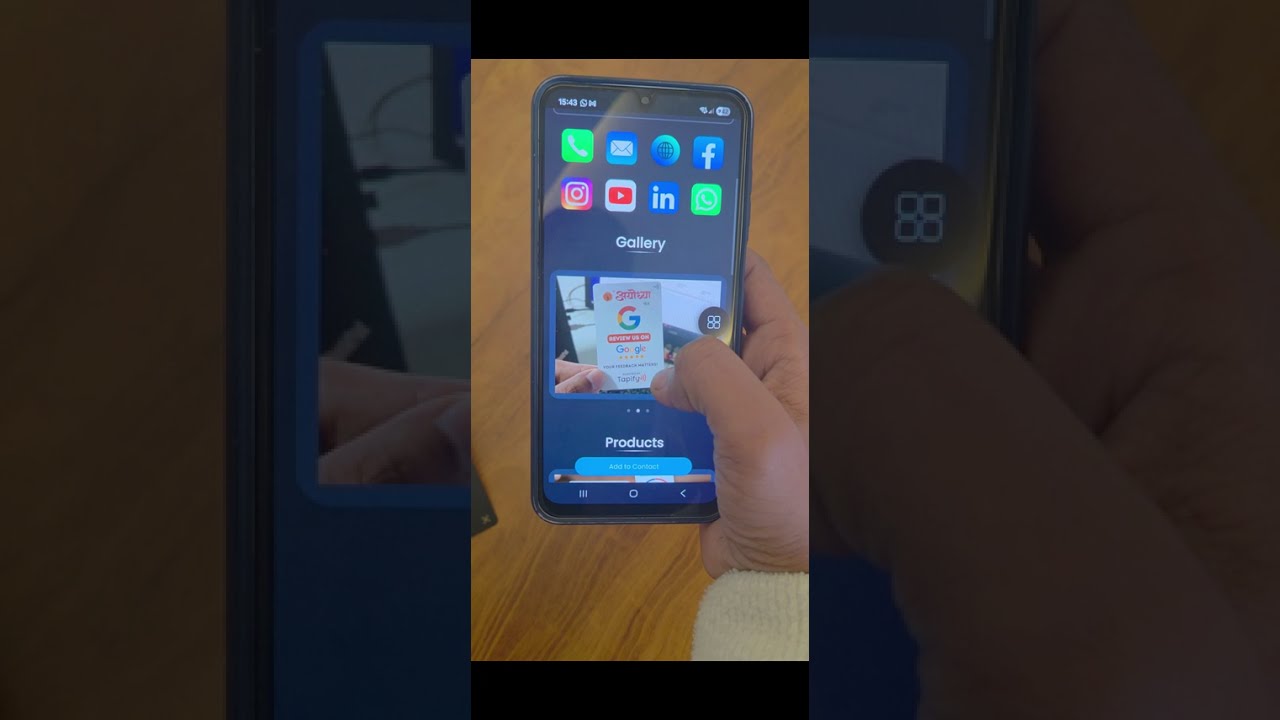
Video will open on YouTube.
What You Can Add To Your Profile
Your Tapify profile can showcase business details, social links, gallery, brochures, products, and appointment booking options.
Tapify Team Will Activate This For You
No profile creation required. Send us the required details and our team will activate your QR/NFC product.
Frequently Asked Questions
Do I need to install any app?
No. Tapify works directly in the browser.
Can I update my links later?
For Business Card and All-in-One profiles, yes. You can update anytime from the portal.
What if I purchased a Mini Standee?
You do not need to create a profile. Tapify team will activate it for you.
Can Tapify create my profile for me?
Yes. Contact our team on WhatsApp for setup support.
Still Need Help?
Message us on WhatsApp with your order number and our team will guide you.
Get Help on WhatsApp


